What Adobe's Premiere Plugin Docs Don't Tell You
Building a Premiere Pro plugin means spending a lot of time in Adobe's official documentation, and a lot of time discovering where that documentation stops matching reality. The developer community building CEP and UXP panels for Premiere is small, so there aren't many places to go looking for a second opinion when an API doesn't behave the way the docs say it should.
I kept notes on every one of these gaps while building my own plugins, and I recently cleaned them up and put them on GitHub as premiere-uxp-dev-notes.
Why Every Entry Is Verified
Every entry in the repo comes from one of two places: a live test I ran in Premiere Pro 26.2.x on Windows 11, or a cited Adobe document or sample. Anything I couldn't confirm gets labeled NEEDS-VERIFY instead of stated as fact. No entry is a guess dressed up as fact, because that's the kind of note that wastes another developer's afternoon.
A Few Things I Found
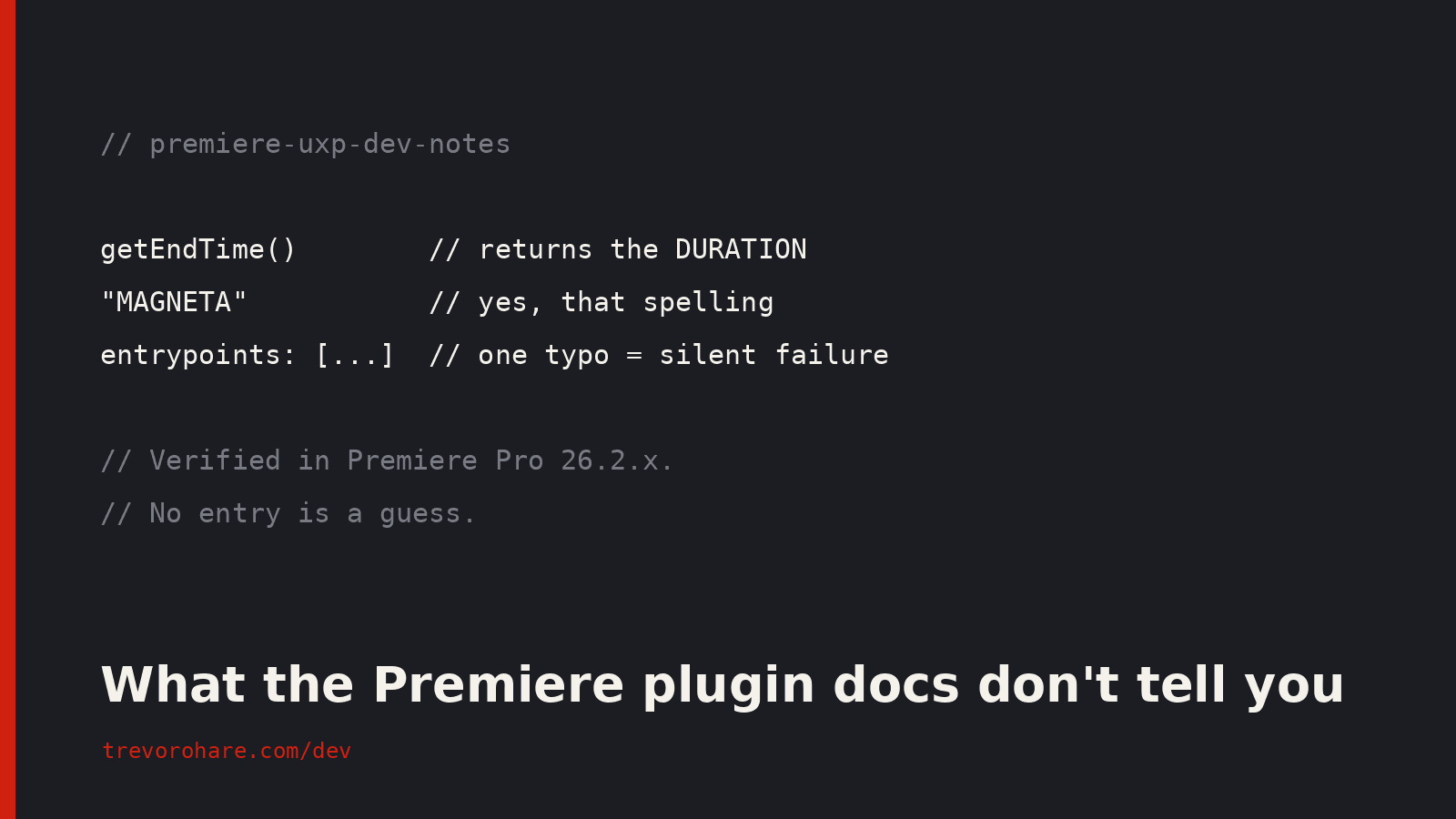
`getEndTime()` returns the duration, not an end time. Despite the name, the call hands you the sequence duration directly. The docs imply you should calculate duration as end time minus zero point, and that formula only looks right because most sequences start at zero. On a sequence with a non-zero start timecode, the formula gives you the wrong number. If your code depends on precise sequence timing, trust the live call, not the written formula.
Marker colors have a spelling bug baked into the API. The marker color enum spells magenta as "MAGNETA". Not a typo in my notes, a real quirk in the API itself, verified in a live test. There is no correctly spelled MAGENTA key, so code that uses the dictionary spelling comes up empty. The safe move is resolving the value at run time with a fallback, in case Adobe ever fixes it.
Markers have their own landmines. Special characters in marker text can trigger a Windows GDI error. And markers have no `.name` or `.start` properties at all: reading them returns undefined with no error, and the real values only come from method calls like `getName()`. Code that compares those properties sees every marker as identical and quietly picks the wrong ones. Both are the kind of thing you only find by hitting them.
One wrong manifest value and the panel doesn't load, silently. A misspelled key like `entrypoints` in the manifest produces no error message at all. Premiere doesn't load the panel, and you're left checking your code for a bug that isn't there. This one cost me real time before I traced it back to the manifest.
The QE DOM is undocumented and required. If you need razor (cut) operations in a CEP panel, you need the QE DOM, an API that Adobe doesn't document. It works, and building anything that edits a timeline programmatically means learning it from other developers' code and trial runs, not from Adobe's reference.
Cross-platform .zxp signing has a known bug. As of November 2024, Adobe's .zxp signing tooling has a bug that breaks cross-platform signing. If you're shipping a Windows build, sign it on Windows. Sign it anywhere else and you may end up debugging an installer problem that has nothing to do with your code.
What Else Is In There
Beyond those, the notes cover UXP sync versus async rules, panel JavaScript limits, sequence and time handling, timeline edit actions, hybrid C++ addons, more CEP manifest problems, the UPIA installer, and PowerShell 5.1 installer quirks. It's organized so you can jump to the topic you're stuck on rather than reading front to back.
Where the Notes Came From
These notes came out of building two real things. The first is Sequence Batch Exporter, a free, open source Premiere plugin I built to batch export podcast episodes to Adobe Media Encoder. The second is Scout, an AI-assisted podcast editing panel for Premiere Pro currently in development. You can follow both on the dev page.
Both meant running into most of the problems above firsthand, then tracking down what caused each one instead of guessing. I lost the time so other developers building in this space don't have to lose it too. Publishing the notes is my way of putting something back into a community that doesn't have a lot of shared knowledge to draw on yet.
If you're building a Premiere plugin, the notes are on GitHub, free to read and free to use. And if you want to see what's coming out of this work next, the dev page is where I'm posting it.
If plugin development isn't your thing and you need your podcast edited well, that's what my podcast editing service is for.
Have an audio project?
Tell me what you are working on and I will point you the right way.
Written by

Trevor O'Hare
Podcast Editor & Producer
I'm Trevor O'Hare. I edit podcasts for a living, backed by more than 20 years in professional audio. If your show needs a steadier sound, or your week needs fewer editing hours, that's what I do. Flat rates start at $100 per episode.
Learning voiceover? I also teach at VOTrainer.com.