Voiceover for Digital Signage and In-Store Retail Videos
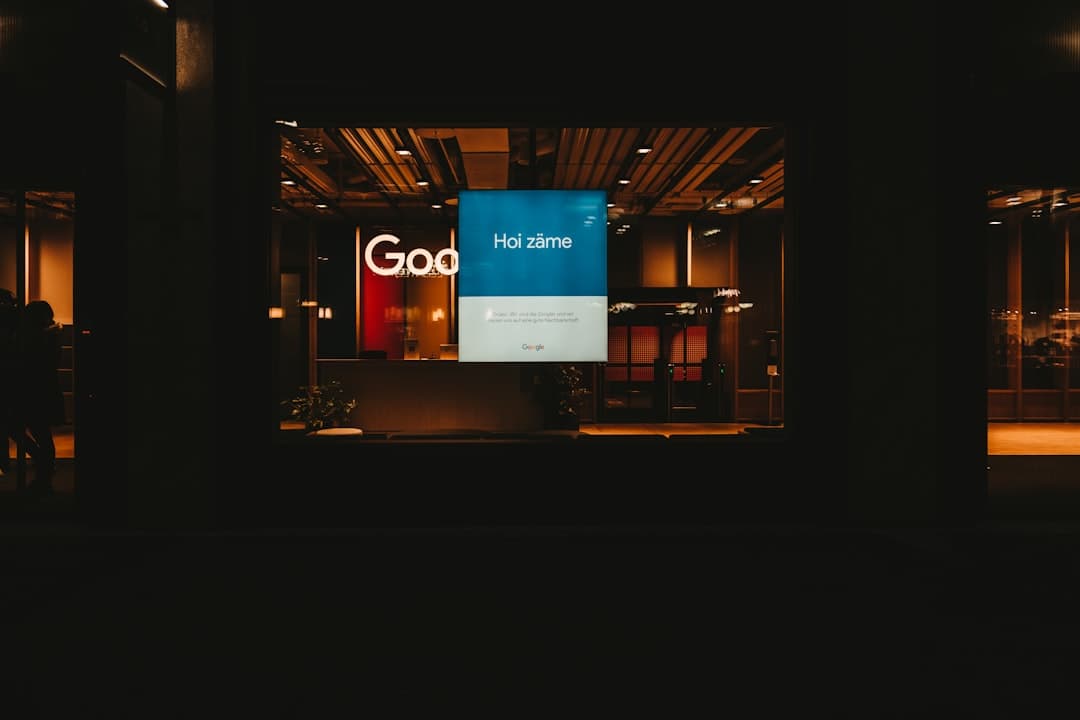
A shopper walks past an endcap display and gives it maybe four seconds of attention. The screen is mounted at eye level above a shelf, the store's playlist is running through the ceiling, a register is beeping two aisles over, and the panel's built-in speaker is about the size of a matchbox. That is the room your audio has to work in. Digital signage voiceover is one of the few formats where the playback environment is actively hostile, and a read that sounds gorgeous in headphones can turn into mush the moment it hits a tile floor.
I record a lot of retail store video narration out of my Orlando studio: shelf-edge loops, pharmacy queue screens, quick-service menu boards, dealership showroom reels, trade show kiosks. The scripts are short and the stakes look small, but the same forty seconds of audio may run every four minutes, ten hours a day, for a quarter. Here's what I've learned about making that hold up.
The Room Is Fighting Your Audio
Before I record anything for a signage project, I ask two questions: where is the speaker, and what else is making noise near it?
Panel-mounted speakers on commercial displays are small, thin, and roll off hard in the low end. Anything you carefully sculpted below about 200 Hz is simply not going to exist. A ceiling distribution system is better but usually mono, often 70-volt, and tuned for background music rather than speech intelligibility. Kiosks with a directional speaker or a sound dome are the friendliest case, and they change how I read entirely.
Practically, this means I record in-store material with less dynamic range than I'd use for a broadcast spot. A soft, intimate approach with a big swing between the quiet setup line and the loud button will lose the quiet half completely under store noise. I keep the read closer to level, add gentle compression on the way out, and let the consonants carry the intelligibility. I also de-ess more aggressively than usual in RX 11, because small plastic speakers exaggerate sibilance into something genuinely unpleasant at close range.
If you can send me a photo or a phone video of the fixture, do it. Seeing where the screen sits relative to the shopper tells me more about how to read the copy than the script does.
Write for Dwell Time, Not Runtime
Your video may be sixty seconds. Your shopper is present for six of them, and they may join at any point in the loop.
That changes the writing. Front-load the offer. Put the brand or product name in the first sentence and again in the last one, so anyone catching a fragment still knows who's talking. Avoid setups that pay off thirty seconds later, because nobody in a grocery aisle is waiting for the payoff. If you have a price or a promo code, give it its own beat and let me slow down for it. Numbers spoken at conversational pace in a noisy store are numbers nobody retains.
One more thing writers forget: a large share of in-store screens play muted, with captions or on-screen text carrying the message. The smart approach is to write copy that works silently and then treat the voiceover as the layer that adds warmth and urgency when the audio is live. I'll often deliver a full read plus a fifteen-second cutdown so the same package covers both a long-form window display and a short checkout loop.
Reads That Survive Their Two-Hundredth Play
Store employees hear your loop more than anyone. If the read is shouty, over-caffeinated, or built on a novelty character voice, it becomes something the staff actively resents, and staff who resent the display find ways to turn it down or unplug it. I've been told this by more than one signage integrator.
So for in-store marketing voice actor work, my default is warm and grounded with energy underneath rather than on top. Confident, specific, human. The kind of read you could hear forty times in a shift without noticing it, but that still lifts when it needs to.
Two production details help here. First, leave air at the seams. I deliver a second or so of clean handle at the head and tail so the loop doesn't restart on a hard consonant, which is what creates that jarring jump-cut feeling on repeat. Second, avoid heavy processing gimmicks. Radio-style compression and telephone filters get fatiguing fast in a physical space where people are trying to have conversations.
The Specs Signage Networks Actually Need
Signage CMS platforms are less standardized than broadcast, so I ask up front instead of guessing. My usual deliverable set:
- 48 kHz, 24-bit WAV for anything being married to video in an editor
- Mono for single-speaker fixtures, because a stereo file summed by the panel can introduce phase issues you didn't plan for
- MP3 at a high bitrate if the platform demands compressed audio
- Consistent integrated loudness across the entire package, so store staff aren't adjusting volume between spots
If your network has published a loudness target, send it and I'll hit it. If it doesn't, the useful reference points are the broadcast standards: ATSC A/85 in the US targets -24 LKFS, and EBU R128 targets -23 LUFS. Signage rarely mandates either, but picking one target and applying it across every file in the campaign is what stops the 3 p.m. loop from being noticeably louder than the 9 a.m. one.
Build the Session So You Can Update One Line Later
Retail copy changes. Prices move, promos end, a regional store gets its own tag.
The way to make that cheap is to plan for it in the first session. I record tags and variable lines as separate takes rather than baking them into the body of the read, which means swapping "now through Sunday" for "now through the end of the month" is a small pickup instead of a re-record. If you have thirty locations, we knock out thirty store tags in one pass while the mic, the booth, and my voice are all in the same place they were for the master read.
I keep raw sessions and my chain is fixed: same Whisper Room, same Sennheiser MKH416, same Apollo Twin. A pickup line six months from now sits inside the original spot without anyone hearing the seam. That consistency is the entire argument for using one human voice across a signage campaign rather than whatever's convenient that week. If you're weighing synthetic options for this kind of work, RealVOTalent maintains a roundup of consumer sentiment toward AI voices at realvotalent.com/ai-voice-sentiment that's worth reading before you commit a brand-facing loop to it.
Let's Get Your Screens Sounding Right
Send me the script, the runtime, and a note about where the screens live and what they're playing through. I'll tell you what I'd adjust, record it in the booth, and deliver files that drop straight into your CMS. If you have a full campaign with store-level tags, we can scope the whole batch in one session and keep your update costs low for the rest of the year.
Reach out through the contact page and let's talk about your in-store audio.
Need a voice for your project?
Broadcast quality voiceover from my studio, priced instantly by script length. From $75.
Written by

Trevor O'Hare
Podcast Editor & Producer
I'm Trevor O'Hare. I edit podcasts for a living, backed by more than 20 years in professional audio. If your show needs a steadier sound, or your week needs fewer editing hours, that's what I do. Flat rates start at $100 per episode.
Learning voiceover? I also teach at VOTrainer.com.