Remote Podcast Recording: Tips for Professional Sound
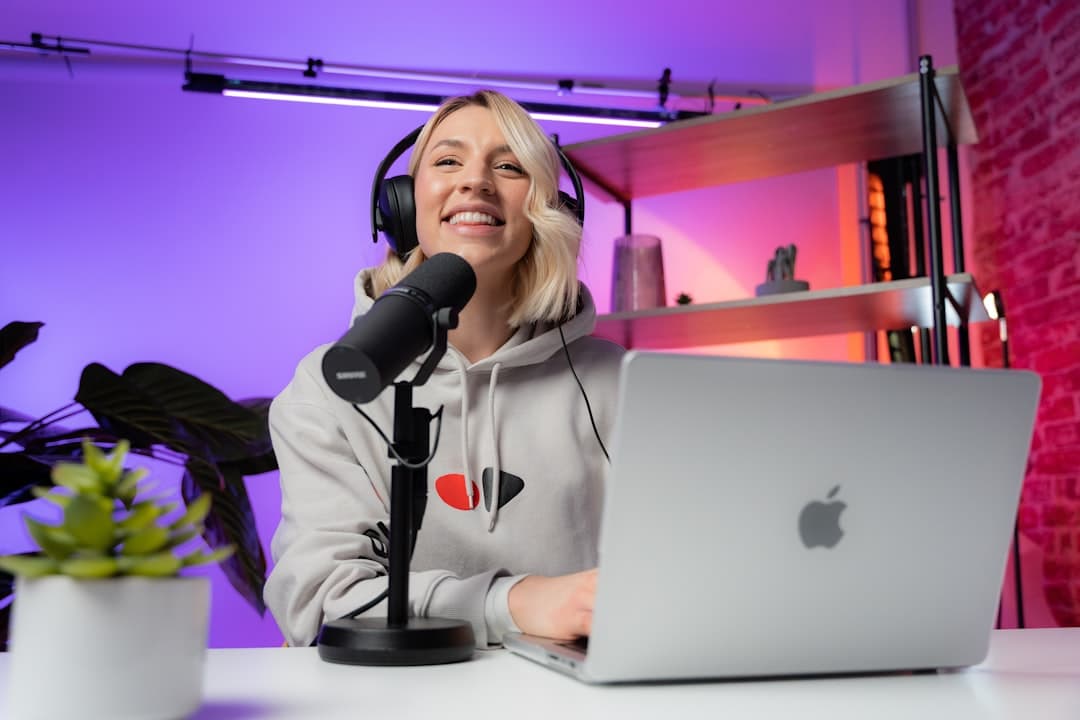
Every podcaster knows the feeling. You've prepped great questions, your guest is dropping gold, and then you listen back to discover their audio sounds like they recorded inside a tin can during a thunderstorm. Remote podcast recording has become the default for most shows, but getting consistent, professional sound from guests scattered across different cities, setups, and skill levels remains one of the biggest production headaches in podcasting.
I deal with this constantly in my podcast production work. Hosts send me episodes where their side sounds crisp and their guest sounds like a voicemail from 2004. The good news is that most remote audio problems are preventable. Here's what actually works.
Choose the Right Recording Platform
Not all virtual podcast recording tools are created equal. The platform you pick has a massive impact on your final audio quality.
Zoom is the go-to for convenience, but it compresses audio heavily, especially when bandwidth dips. If you're serious about sound quality, look at platforms built specifically for podcast recording:
- Riverside.fm records each participant locally and uploads the high-quality files, so you're not at the mercy of internet hiccups
- SquadCast works similarly, capturing uncompressed local audio from every guest
- Zencastr offers local recording with a free tier that's solid for getting started
The key advantage of these platforms is local recording. Instead of capturing the compressed audio stream that travels over the internet, they record directly on each person's computer and sync everything up afterward. That single difference can take a guest's audio from "barely usable" to "sounds like they were in your studio."
Send Your Guests a Pre-Recording Checklist
This is the step most hosts skip, and it costs them the most. Your guests aren't audio engineers. They don't know what you need from them unless you spell it out.
I send a short checklist to every guest before we record. It covers:
- Use headphones. This is non-negotiable. Without headphones, your voice bleeds into their microphone, creating echo and making editing a nightmare.
- Find a quiet room. A closet full of clothes genuinely sounds better than a big, empty living room. Soft surfaces absorb sound. Hard walls and floors bounce it around.
- Close extra browser tabs and applications. Anything competing for CPU and bandwidth can cause dropouts in their audio.
- Use an external microphone if possible. Even a $30 USB mic is a significant upgrade over a laptop's built-in microphone.
- Plug in, don't run on battery. Laptops on battery sometimes throttle performance, which can affect recording quality.
A quick email with these basics, sent 24 hours before recording, prevents the majority of remote audio disasters. You can even record a short video walkthrough showing guests how to check their setup. It takes ten minutes to make and saves hours of cleanup later.
Help Guests Optimize Their Space
Good remote podcast sound starts with the room, not the microphone. I record my voiceovers in a Whisper Room vocal booth, which is purpose-built for eliminating outside noise and room reflections. Your guests obviously won't have that, but they can get surprisingly close with simple adjustments.
Tell your guests to:
- Face a soft surface like a couch, bookshelf, or curtains rather than a bare wall
- Avoid rooms with hardwood or tile floors if possible
- Drape a blanket over their desk or hang one behind their monitor to dampen reflections
- Turn off fans, AC units, or anything else that hums
These aren't fancy acoustic treatments. They're practical fixes that take two minutes and make a real difference in the recording. The goal isn't perfection. It's getting the audio clean enough that post-production can do the rest.
Record a Double-Ender When Possible
If your remote recording platform doesn't capture local audio automatically, you can still get high-quality results by having each person record their own audio locally. This is called a double-ender (or sometimes a "double-end" recording).
Here's the simple version:
- Each person opens a recording app on their own computer. Voice Memos on Mac, Audacity, or even the voice recorder on a phone will work in a pinch.
- You record the conversation on Zoom or whatever platform you use for the video call.
- Everyone starts their local recording, and you do a sync clap or countdown so you can align the tracks later.
- After the session, guests send you their local audio files.
You'll be working with the clean, uncompressed local recordings rather than the degraded audio that traveled through the internet. Aligning the tracks in your DAW takes a few extra minutes, but the quality improvement is dramatic.
Fix What You Can in Post-Production
Even with all the right prep, remote guest audio will still need some work. Background noise creeps in. Room reflections show up. Levels between host and guest almost never match.
I use iZotope RX 11 Advanced for cleaning up podcast audio, and it handles most common remote recording problems remarkably well. Noise reduction pulls out steady background hum from air conditioning or computer fans. De-reverb tames that "recording in a bathroom" sound. Mouth de-click removes the pops and clicks that close-miked recordings pick up.
In Reaper, I'll typically set up a chain that includes noise gating, compression to even out volume differences between speakers, and EQ to match the tonal quality between the host's professional mic and whatever the guest was using. The goal is making both sides of the conversation sound like they belong in the same episode.
This is where virtual podcast recording quality often breaks down for independent hosts. The recording itself might be salvageable, but without the right tools and experience, the post-production becomes a time sink that pulls you away from actually growing your show.
Know When to Bring in Help
You got into podcasting to have conversations, share ideas, and build an audience. Not to spend your weekends learning noise reduction software and troubleshooting audio sync issues.
If your remote recordings consistently need heavy cleanup, or if you're spending more time editing than planning episodes, that's a signal. The production side of podcasting is a skill set of its own, and handing it off to someone who does it daily can free you up to focus on what you're actually good at.
I offer full podcast production and editing services, from raw recordings to polished, publish-ready episodes. If your remote podcast recordings need professional cleanup or you want to stop worrying about the technical side entirely, get in touch and let's talk about what your show needs.
Stop editing your own show.
I edit podcasts for a flat rate, starting at $100 per episode, with a three day turnaround.
Written by
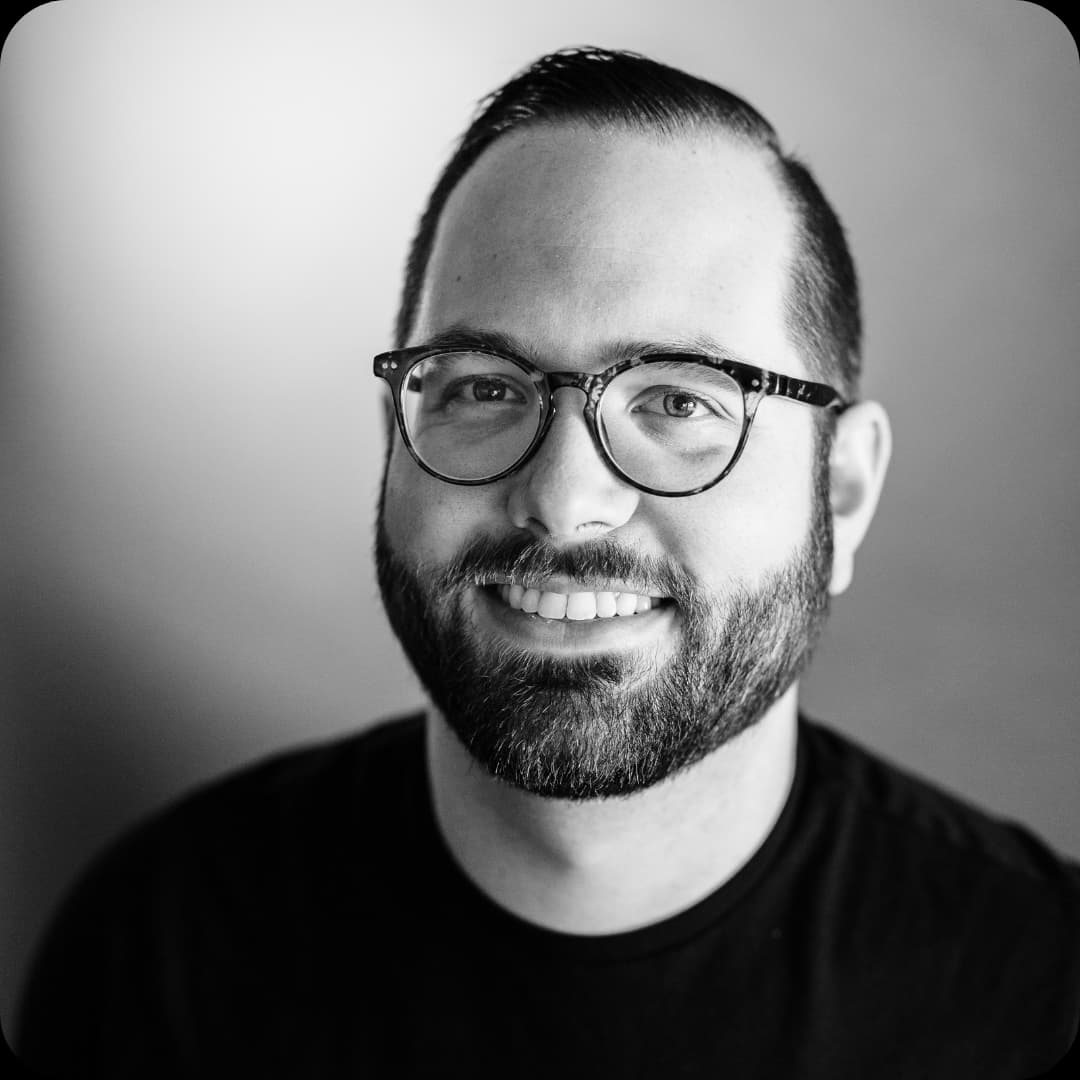
Trevor O'Hare
Podcast Editor & Producer
I'm Trevor O'Hare. I edit podcasts for a living, backed by more than 20 years in professional audio. If your show needs a steadier sound, or your week needs fewer editing hours, that's what I do. Flat rates start at $100 per episode.
Learning voiceover? I also teach at VOTrainer.com.