How to Create a Podcast Trailer That Drives Downloads
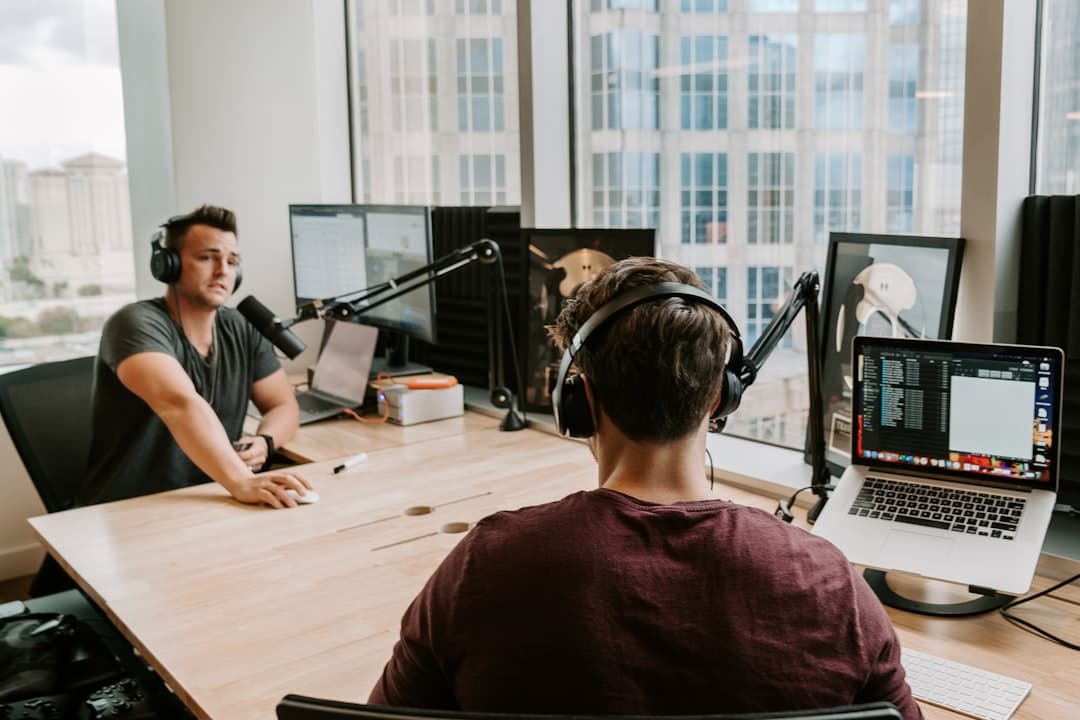
Your podcast trailer might be the single most important piece of audio you produce. It's the first impression for every potential listener who lands on your show page, and for many of them, it's the only thing they'll hear before deciding whether to subscribe or move on.
I produce podcasts for clients here in Orlando, and one of the first things we build together is the trailer. Whether you're launching a brand new show or relaunching after a hiatus, a well-crafted podcast promo episode sets the tone for everything that follows. Here's how to create a podcast trailer that actually drives downloads.
Know What a Podcast Trailer Actually Does
A podcast trailer has one job: convince a stranger that your show is worth their time.
Think about how people discover podcasts. They see a recommendation, land on your show page, and look for something quick to sample. Apple Podcasts and Spotify both support a dedicated trailer episode type, which means your trailer sits right at the top of your episode list. If that two-minute audio clip doesn't hook them, they're gone.
The best trailers answer three questions fast:
- What is this show about? Be specific. "A podcast about business" tells listeners nothing. "Weekly conversations with restaurant owners who survived their first year" tells them exactly what they're getting.
- Who is it for? Help the right people self-select. You want your ideal listener to hear themselves described.
- Why should they care? Give them a taste of the value, entertainment, or insight they'll get from subscribing.
Structure Your Trailer Like a Cold Open
You have roughly 30 seconds before someone decides to keep listening or tap away. Don't waste those seconds on "Hey, welcome to my new podcast, my name is..." Start with something that pulls them in.
Here's a structure that works well:
Hook (10-15 seconds): Open with a compelling question, a surprising statement, or a short audio clip from a future episode that showcases the best of what your show offers. If you do interview-based episodes, pull a 10-second sound bite from your most engaging guest conversation.
The Pitch (30-45 seconds): Explain what the show is, who it's for, and what listeners will get from each episode. Keep it tight and specific. Use language your audience actually uses, not industry jargon.
Social Proof or Credibility (10-15 seconds): Briefly explain why you're the right person to host this show. This doesn't need to be a full bio. One or two sentences about your relevant experience is enough.
Call to Subscribe (10-15 seconds): Tell them exactly what to do next. "Subscribe now so you don't miss the first episode, dropping [date]" works better than a vague "follow along on this journey."
Total runtime: 60 to 90 seconds. You can stretch to two minutes if you're including audio clips, but anything beyond that and you're testing people's patience.
Write a Script, Then Cut It in Half
Every podcast trailer I produce starts with a written script. Even if you're a natural improviser, scripting your trailer forces you to choose your words carefully.
Write your first draft, then read it out loud and time it. Most people write way too much. My rule of thumb: if your script is over 250 words for a 90-second trailer, start cutting.
A few writing tips:
- Use short sentences. They sound more confident on mic and are easier to deliver.
- Write the way you talk. Read each line aloud. If you'd never say it in conversation, rewrite it.
- Cut every line that doesn't serve the listener. Your trailer should focus on the value they'll receive.
Once you've tightened the script, practice reading it a few times before you hit record. You want to sound natural, not like you're reading off a page.
Get the Production Quality Right
Your trailer represents the audio quality of your entire show. If it sounds like you recorded in a bathroom, listeners will assume every episode sounds the same.
You don't need a professional studio to record a solid trailer, but you do need a quiet room and decent equipment. Record in the most controlled environment you can find. A closet full of clothes genuinely works better than an open living room with hardwood floors.
For my own productions, I record all voiceover in my Whisper Room booth using a Sennheiser MKH416 through an Apollo Twin interface, then handle editing and mixing at my desk in Reaper with iZotope RX 11 Advanced for cleanup. That's a professional setup, but the principles apply at any budget level: minimize background noise, get close to the mic, and keep your levels consistent.
For music and sound design, keep it simple. A subtle music bed under your voice adds polish. A dramatic cinematic score with sound effects every three seconds is distracting. The music should support your voice, not compete with it.
Publish It the Right Way
How you publish your podcast trailer matters almost as much as the trailer itself. Both Apple Podcasts and Spotify allow you to tag an episode specifically as a "Trailer" type. Use this tag. It pins your trailer to the top of your episode list and signals to the platform what the episode is.
A few publishing details people overlook:
- Upload your trailer before your first full episode. This lets you claim your show page, start collecting subscribers, and build anticipation before launch day.
- Write show notes for the trailer too. Include a brief description of the show, your release schedule, and links to your social accounts.
- Share the trailer link everywhere. Email list, social media, your website. The trailer is your best marketing asset during launch.
- Consider updating your trailer periodically. If your show evolves or you're relaunching after a break, a fresh trailer with updated clips and a current description keeps your show page from feeling stale.
Don't Overthink It, Just Ship It
The most common mistake I see with podcast trailers is perfectionism. People spend weeks tweaking a 90-second clip and delay their entire launch as a result. Your trailer should be good, but it doesn't need to be perfect. You can always re-record it later as your show finds its footing.
Get your script tight, record it cleanly, add simple production polish, and publish it. A good trailer that's live today beats a perfect trailer that's still sitting on your hard drive next month.
If you need help producing your podcast trailer or want a professional ear on your audio, get in touch. I work with podcasters at every stage, from first-time launchers to established shows looking for a production upgrade.
Stop editing your own show.
I edit podcasts for a flat rate, starting at $100 per episode, with a three day turnaround.
Written by

Trevor O'Hare
Podcast Editor & Producer
I'm Trevor O'Hare. I edit podcasts for a living, backed by more than 20 years in professional audio. If your show needs a steadier sound, or your week needs fewer editing hours, that's what I do. Flat rates start at $100 per episode.
Learning voiceover? I also teach at VOTrainer.com.