The Ultimate Podcast Launch Checklist: Go From Zero to Chart-Topping Success
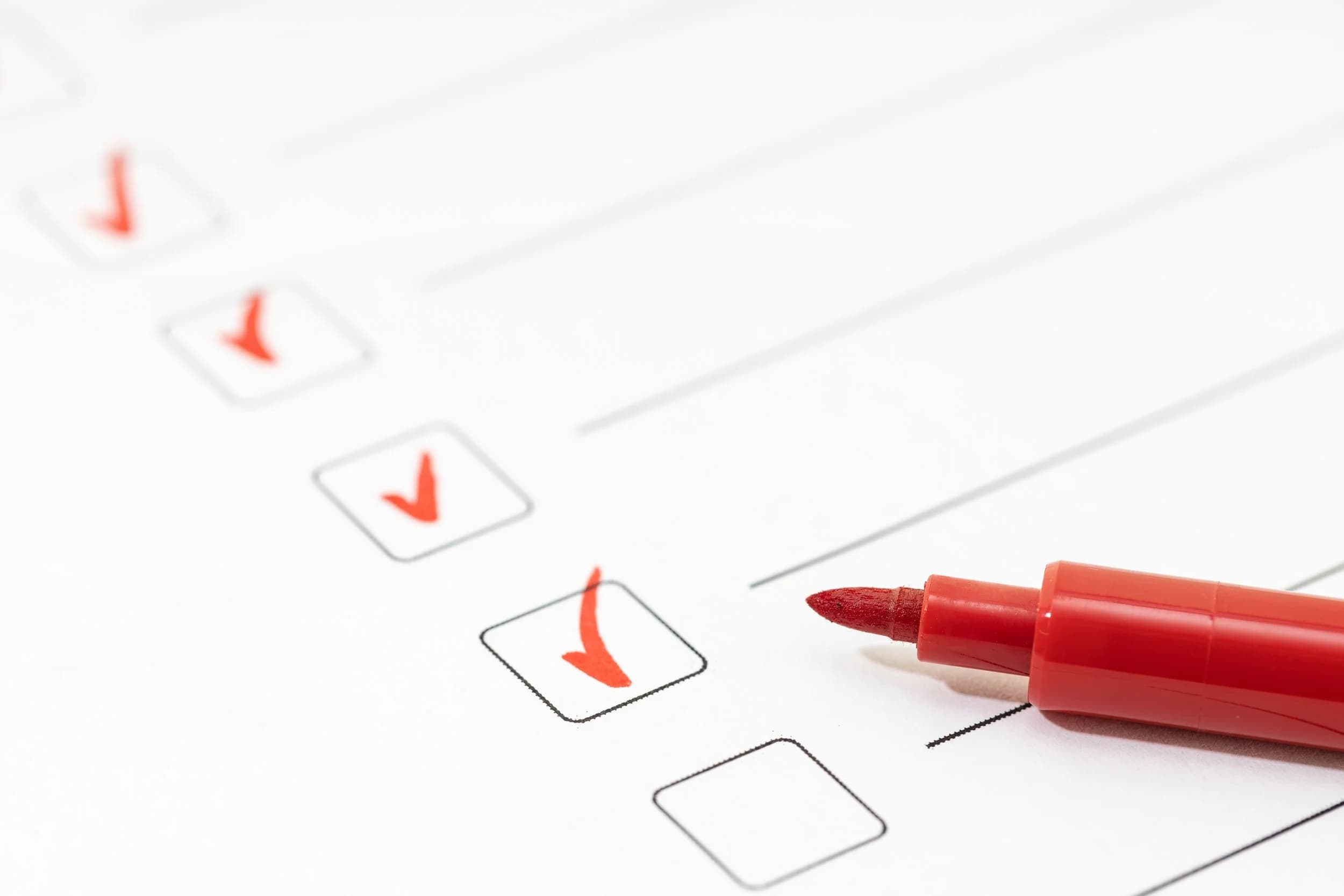
A podcast launch checklist has three phases: pre-production (niche, format, cover art, music licensing), technical setup (microphone, headphones, recording and editing tools, a host), and a pre-launch runway (three to five recorded episodes, a 60 to 90 second trailer, a show notes template, directory submissions). Launch day then follows a short plan: an email announcement, social posts, and a push for the first reviews.
Here is the step-by-step roadmap I use with my podcast clients.
Phase I: The Pre-Production Deep Dive
This phase sets the quality and listener retention of everything after it, so give each step the time it needs.
1. Nail Down Your Niche & Format
- Your One-Sentence Hook: Describe your podcast in a single, compelling sentence. When it fits in one sentence, the concept is clear.
- Episode Length & Cadence: Pick a schedule (weekly, bi-weekly, etc.) and stick to it. Consistency is the #1 rule of podcast success.
- Target Audience Persona: Describe the exact person listening: their pain points, what they do for a living, and what they want from your show. Coaches can see this applied to a client pipeline in how to start a podcast for your coaching business.
For a full season arc and an episode count that fits your schedule, see how to plan and structure your first podcast season.
2. Branding & Visual Assets
Your cover art is your storefront. It needs to be professional, legible even when small, and stand out in a sea of other shows.
- The Cover Art: Use bold fonts and avoid overcrowding.
- Name & Tagline Check: Ensure your name is not already taken and that your tagline clearly communicates the show's value.
- Music/SFX Licensing: Use royalty-free music or have a custom track created. Envato and Artlist are your friends.
Phase II: The Technical Setup
3. The Gear and Recording Environment
You don't need a studio, but you do need better than your laptop mic.
- Microphone: Invest in a decent USB mic like the Rode NT-USB+ or the Shure MV7. A good mic can hide a multitude of audio sins.
- Headphones: Always record while wearing headphones, if you're recording remotely. This prevents echo and allows you to monitor your sound quality in real-time.
- Acoustics: Forget the fancy foam panels for now. Record in a small room, close the windows, and use soft furniture (like a closet full of clothes!) to absorb sound.
4. Recording, Editing, and Hosting
This is the workflow pipeline that keeps your show running smoothly.
- Recording (Remote): Use a tool like Riverside (paid link) to capture high-quality, separate audio tracks for all guests, and send each guest a prep checklist before the call.
- Editing: Use software like Reaper, Audacity, etc. to clean up mistakes and level your audio (to hit target LUFS), or hand the raw files to a professional podcast editor if you'd rather spend that time on content.
- Hosting: Use a reliable host like Buzzsprout, Libsyn, or Podbean. This is the home for your audio files and the source of your RSS Feed.
Phase III: The Pre-Launch Runway
Give yourself enough time to finish these tasks before launch day.
5. Create Your Launch Assets
- Record 3-5 Episodes: Launch with at least three episodes. This proves to directories you are serious and gives listeners a binge-worthy experience, boosting your initial download count.
- The Trailer: A short (60-90 second) audio clip that tells potential subscribers what your show is about. This is the very first thing you upload to your host.
- Show Notes Template: Create a template for every episode that includes a transcript snippet, key takeaways, and a prominent link to your website/services.
6. Submitting to Directories
Your RSS feed (from your hosting provider) is what you'll provide to the various podcast distributors. You should upload to:
- Apple Podcasts: This is the most crucial step. Submit your RSS feed and wait for approval (usually 24-48 hours).
- Spotify: You can submit directly through Spotify's podcaster portal.
- Other Key Directories: Get on Amazon Music and any other directory your audience uses.
Your Final Call to Action: The Launch Day Plan
Launch day is the starting gun. Now is the time to execute your marketing plan:
- Email Announcement: Send a dedicated email to your list introducing the show and linking directly to the show in Apple Podcasts (as it's the most trackable).
- Social Media Blitz: Post across all platforms using your visual assets and a consistent hashtag.
- Ask for Reviews: Personal message friends, family, and professional contacts. The first reviews are critical for early traction.
After Launch: Grow the Show
Launch day starts the work, and two habits carry a new show forward.
- Guest swaps and cross-promotion. Appear as a guest on other podcasts in your niche, and invite their hosts onto yours. Each swap puts your show in front of an audience that already listens to shows like yours. Shout-outs, interviews, and joint episodes with other podcasters build a supportive community and bring in listeners who are ready to find something new.
- Ask listeners for feedback. Close every episode with an invitation to send questions, opinions, and topic ideas. Their replies show you what your audience needs, and working their suggestions into upcoming episodes turns each one into a conversation.
Hand the Launch to Me
A launch has many moving pieces: editing audio, chasing directory approvals, and writing show notes. I can take that work off your plate.
My podcast launch is $2,000 and covers an initial strategy meeting, intro, outro, and cover art creation, a podcast trailer for social media, hosting and distribution setup, a podcast website, and your first episode edited. After launch, full production is $2,500 a month for weekly audio and video edits of up to 60 minutes of footage each, show notes and blog posts, two social media clips per episode, episode transcriptions, and distribution to podcast platforms.
Common questions
What should be on a podcast launch checklist?
A podcast launch checklist has three phases. Pre-production covers your niche, format, cover art, and music licensing. Technical setup covers your microphone, headphones, recording and editing tools, and host. The pre-launch runway covers three to five episodes, a trailer, a show notes template, and directory submissions.
How many episodes should I have before launching a podcast?
Record three to five episodes and launch with at least three. That shows directories you are serious and gives new listeners a binge-worthy start, which boosts your initial download count. Also record a 60 to 90 second trailer, the first thing you upload to your host.
What equipment do I need to start a podcast?
A decent USB microphone such as the Rode NT-USB+ or Shure MV7, headphones, and a small room with soft furnishings to absorb sound. For remote guests, use a tool like Riverside to capture separate high-quality tracks, and a host like Buzzsprout, Libsyn, or Podbean.
Where do I submit my podcast after hosting it?
Give the RSS feed from your host to Apple Podcasts first and wait for approval, usually 24 to 48 hours. Then submit to Spotify through its podcaster portal and add Amazon Music. On launch day, email your list, post on social media, and ask for the first reviews.
Stop editing your own show.
I edit podcasts for a flat rate, starting at $100 per episode, with a three day turnaround.
Written by
Trevor O'Hare
Podcast Editor & Producer
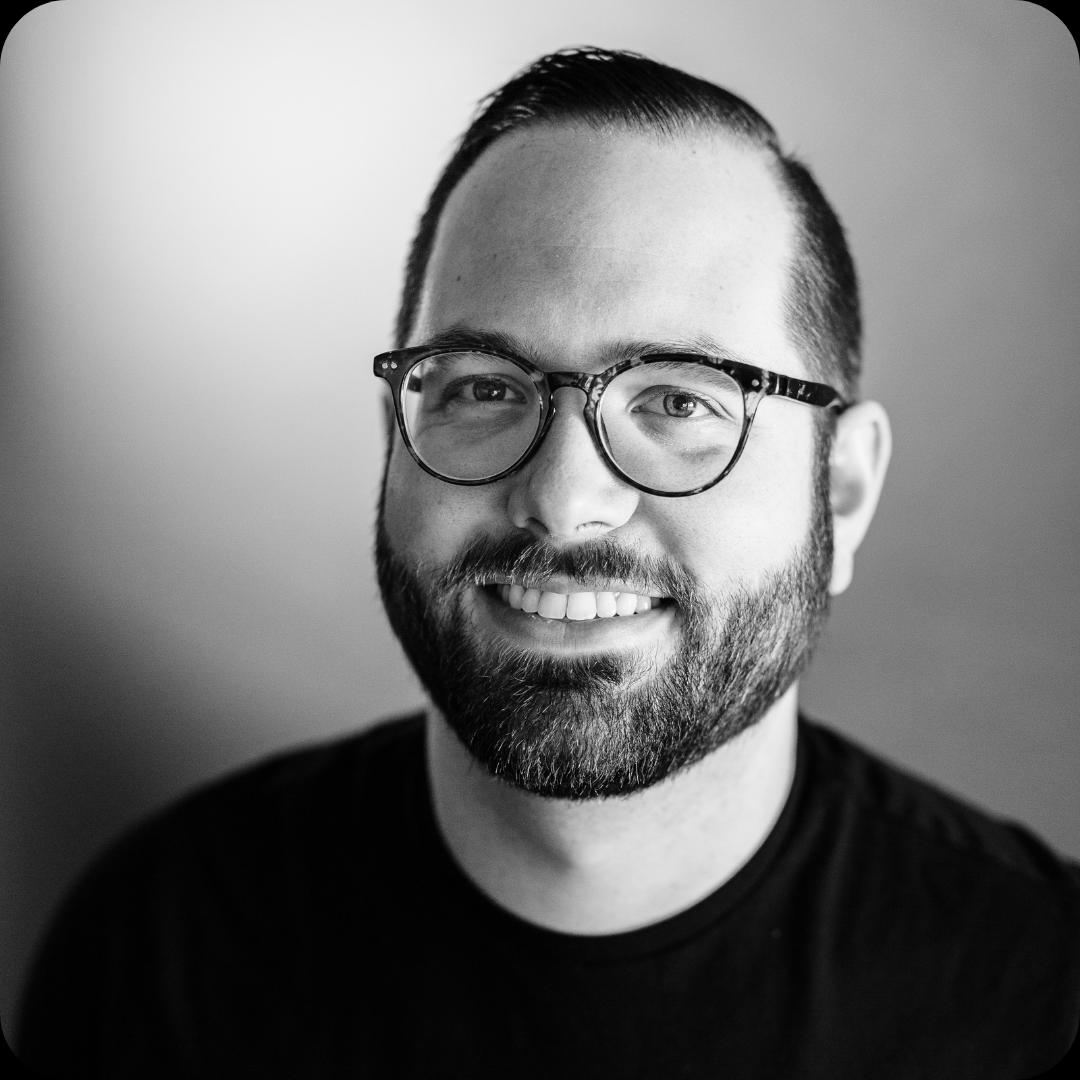
I'm Trevor O'Hare. I edit podcasts for a living, backed by more than 20 years in professional audio. If your show needs a steadier sound, or your week needs fewer editing hours, that's what I do. Flat rates start at $100 per episode.
Learning voiceover? I also teach at VOTrainer.com.