How to Add Professional Voiceover to Product Demo Videos
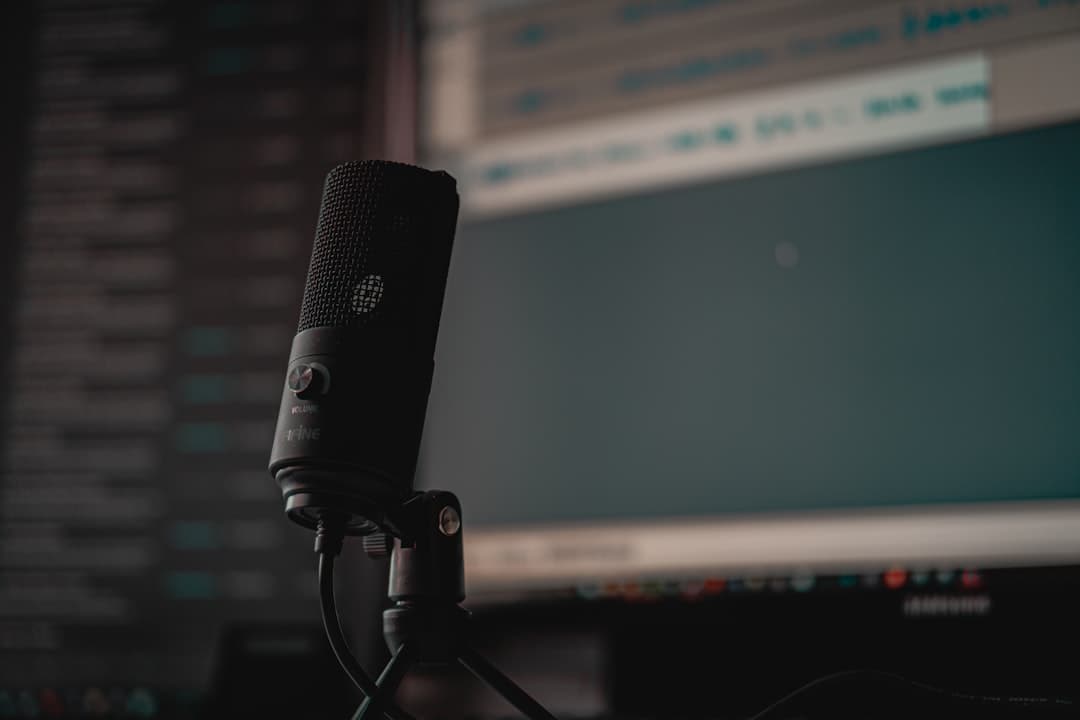
Your product demo video might show every feature in perfect detail, but if the narration sounds like it was recorded in a closet with a USB mic and no script, viewers will click away before they see the good stuff. A strong product demo voiceover does the heavy lifting of guiding prospects through your software while keeping them engaged long enough to care.
I've narrated hundreds of SaaS product videos, software walkthroughs, and onboarding sequences from my studio here in Orlando. The difference between a demo that converts and one that gets skipped usually comes down to a few decisions made before anyone hits record.
Why Your Demo Video Needs Professional Narration
Screen recordings with no audio are a missed opportunity. Viewers watching a cursor move around an interface need context. They need someone telling them why this feature matters, not just where to click.
But the gap between no narration and professional SaaS product video narration is where most teams get stuck. Common shortcuts include:
- Having an engineer or PM record the voiceover at their desk with a laptop mic
- Using AI-generated voice tools that sound flat and robotic during complex explanations
- Skipping narration entirely and relying on text overlays
Each of these saves time upfront and costs you conversions on the back end. A product manager explaining their own software tends to assume too much knowledge, speak too fast through the parts they find obvious, and mumble through the parts they find boring. AI voices struggle with the natural emphasis and pacing that make technical content feel approachable.
Professional voiceover for software demos solves both problems. You get clear, consistent delivery from someone trained to make complex workflows sound simple.
Writing a Script That Actually Works
The single biggest factor in a great product demo voiceover is the script.
Most SaaS teams hand over a bullet-point outline and expect the voiceover artist to turn it into a polished narration on the fly. That approach wastes studio time and produces mediocre results. Instead, write a complete, word-for-word script before you book a voice actor.
A few script guidelines that make a real difference:
- Write for the ear, not the eye. Read every sentence out loud. If you stumble over it, your audience will too.
- Front-load the benefit. Don't start with "Click the settings icon in the upper right corner." Start with "You can customize your dashboard in seconds" and then walk through the steps.
- Keep sentences short. Software demos already demand visual attention. Long, complex sentences force viewers to choose between listening and watching.
- Time your script to the screen. A rough rule: 150 words per minute of finished video. A three-minute demo needs about 450 words of script, with pauses built in for visual transitions.
If your demo covers multiple features, break the script into clearly labeled sections. This helps during recording and makes future updates much easier.
Choosing the Right Voice for Your Brand
The voice on your product demo becomes your brand's voice for every prospect watching that video. Spend real time on the casting decision.
Think about your audience first. A developer tools company targeting engineers needs a different tone than a healthcare SaaS platform onboarding clinic administrators. Neither audience wants a hard-sell commercial read. Both want someone who sounds knowledgeable, calm, and genuinely helpful.
When you're evaluating voiceover talent for a software demo, listen for:
- Pacing control. Can they slow down for complex steps without sounding sluggish?
- Conversational tone. Does it sound like a real person explaining something, or like someone reading a press release?
- Consistency across takes. Demo videos often get updated feature by feature. You need a voice that matches across sessions recorded weeks or months apart.
Request a custom audition with a section of your actual script. Generic demos on a voice actor's website won't tell you how they handle your specific product language and terminology.
The Recording and Production Process
Once you've locked your script and selected your voice talent, the recording process for a product demo voiceover is straightforward if you set it up correctly.
I record all my SaaS narration work in a Whisper Room vocal booth using a Sennheiser MKH416 through an Apollo Twin interface. That combination gives clients broadcast-quality audio with a clean, present sound that sits well over screen recordings without overwhelming the visuals.
What to expect from a professional session:
- Turnaround: Most product demo voiceovers are delivered within 24 to 48 hours of receiving the final script.
- File format: You'll typically receive WAV or AIFF files for editing flexibility, plus compressed MP3 versions for quick review.
- Revisions: A good voice actor will include at least one round of revisions. Minor pronunciation fixes or pacing adjustments are standard.
- Post-production: Professional delivery includes noise removal, EQ, compression, and level normalization so the audio drops cleanly into your video editor.
I handle all post-production in Reaper with iZotope RX 11 Advanced, so what you receive is ready to sync with your footage. No additional audio cleanup needed on your end.
Syncing Voiceover With Your Screen Recording
This is where many product teams introduce unnecessary friction. The easiest workflow is to record your voiceover first, then record or edit your screen capture to match the narration.
Recording the screen first and then trying to match a voiceover to existing visuals forces awkward pacing. The narrator either rushes to keep up with fast cursor movements or sits in dead air waiting for the next transition. Neither sounds professional.
The better sequence:
- Finalize your script
- Record the voiceover
- Record your screen walkthrough while listening to the narration as a timing guide
- Sync both tracks in your video editor and fine-tune transitions
This approach gives you natural pacing and makes the final product feel intentional rather than cobbled together.
Keeping Your Demos Updated Without Starting Over
SaaS products change constantly. Buttons move, features get renamed, entire workflows get redesigned. Your demo videos need to keep up.
This is another reason professional voiceover for software demos pays for itself. When you work with the same voice actor over time, updating a single section takes minutes rather than hours. I keep session files and settings for returning clients specifically so that pickups and revisions match the original recordings perfectly.
Build your demos in modular sections from the start. Instead of one continuous narration track, break it into segments by feature or workflow step. When your UI changes, you only need to re-record the affected segment and swap it into the timeline.
Ready to Sound as Good as Your Product Looks?
Your software already solves real problems for your customers. The demo video should make that obvious within the first thirty seconds. Professional product demo voiceover gives your walkthrough the clarity and polish that builds trust with prospects who are comparing you to every competitor on their shortlist.
If you're producing demo or onboarding videos and want narration that sounds clean, professional, and on-brand, get in touch. I'll walk you through the process and help you figure out exactly what you need.
Need a voice for your project?
Broadcast quality voiceover from my studio, priced instantly by script length. From $75.
Written by

Trevor O'Hare
Podcast Editor & Producer
I'm Trevor O'Hare. I edit podcasts for a living, backed by more than 20 years in professional audio. If your show needs a steadier sound, or your week needs fewer editing hours, that's what I do. Flat rates start at $100 per episode.
Learning voiceover? I also teach at VOTrainer.com.